

How to Apply for an ABHA Card Online
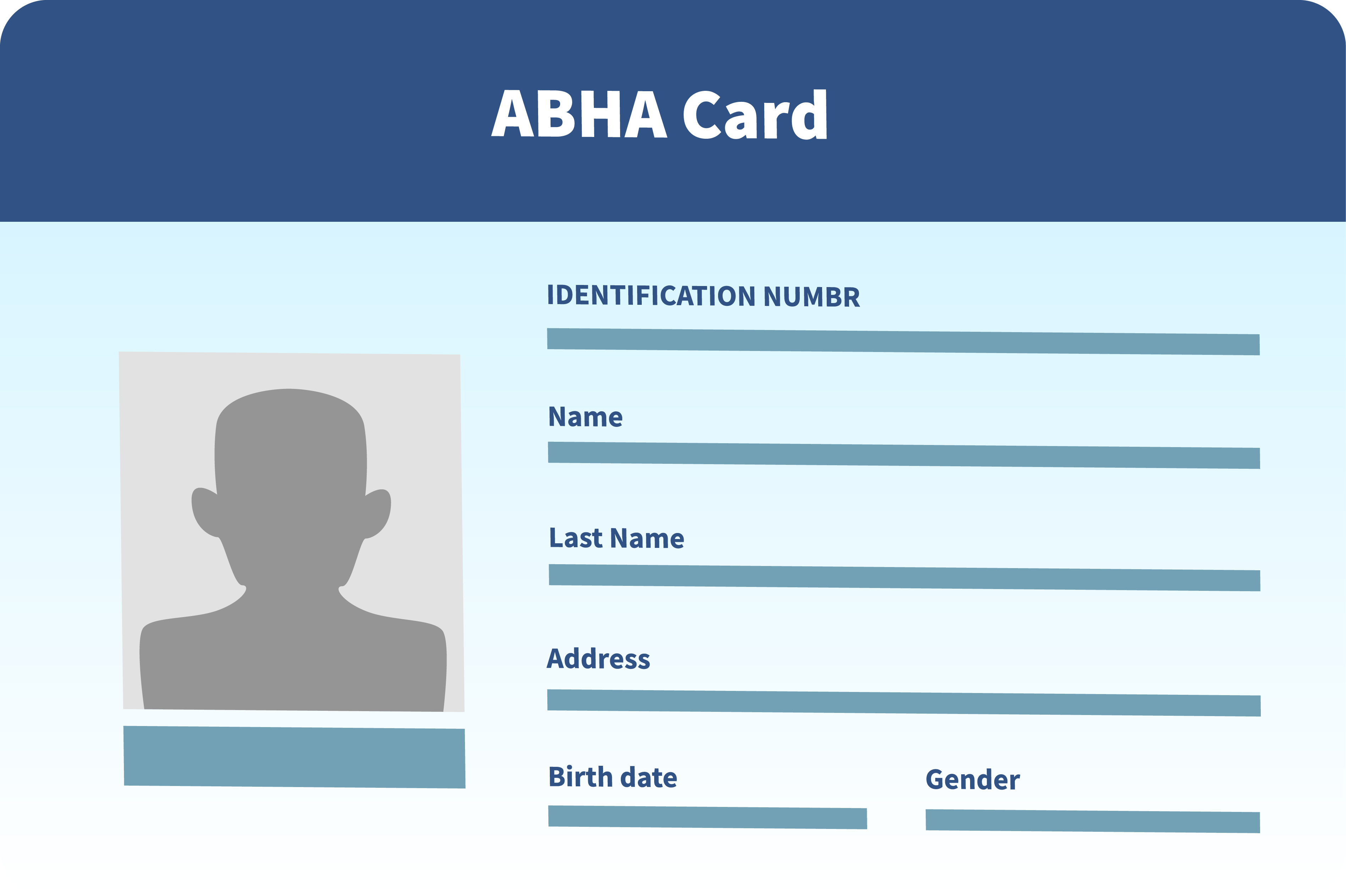
Applying for an ABHA card online is a quick and easy process. With an ABHA health card, you will have a digital record of your medical history and can eliminate the use of physical documents. It allows you to visit a hospital more quickly and easily and to share your medical history with your doctor. To apply for ABHA card, you must provide your mobile number, email address, and personal details such as your name, date of birth, gender, address, etc. Ensure that the details match your official documents (Aadhaar or other ID) for verification. The ABHA card online application process permits you to generate a unique 14-digit Health ID that stores and shares your medical information safely with healthcare providers.
How to Apply for ABHA (Ayushman Bharat Health Account)
Applying for an ABHA (Ayushman Bharat Health Account) is a simple process that helps you avail of healthcare benefits under the Ayushman Bharat Pradhan Mantri Jan Arogya Yojana (PMJAY). If you're looking to apply for an ABHA card, here's a step-by-step guide on how to do it:
Steps to Apply for ABHA:
1. Visit the Official ABHA Website or App
- Go to the official Ayushman Bharat Health Account website or download the ABHA mobile app (available on Google Play and Apple App Store).
- You'll find options from the homepage like 'ABHA card apply' or 'Generate ABHA card'. You can choose to apply for an ABHA card online directly from the website or app.
2. Select 'Apply for ABHA Card Online'
- On the website or app, click on 'ABHA card apply online' or a similar option to start the application process for your ABHA card.
3. Provide Your Basic Information
You will need to provide your mobile number, email address, and personal details such as:
- Name
- Date of birth
- Gender
- Address
Ensure the details match your official documents (Aadhaar or other ID) for verification.
4. Link Your Aadhaar Number (Optional)
- You will be asked to link your Aadhaar number to your ABHA account for accurate identification and record-keeping. While this step is optional, it is recommended for quicker processing of your ABHA card application.
5. Verify Your Identity
- Complete the identity verification step. For this purpose, you will receive an OTP (One-Time Password) on your registered mobile number or email address.
6. Create a Username and Password
- After successful verification, you must create a username and password for your ABHA account. This login information will allow you to access your ABHA card and healthcare services in the future.
7. Generate Your ABHA ID
- Once you complete all the steps, submit your application, and the system will generate your ABHA ID. This ID can be used for cashless healthcare services under the PMJAY scheme.
- You will receive a confirmation message with your ABHA ID, and you can access your ABHA card online through your registered email or phone number.
8. Download and Keep Your ABHA Card Handy
- After successfully applying, you can download your ABHA card in digital format. The digital ABHA card contains your unique ID, which you can use to access healthcare services across PMJAY hospitals.
- You can also choose to receive a physical ABHA card (if available in your region) or keep the digital version on your mobile device.
What You Need to Apply for an ABHA Card:
- A valid mobile number for OTP verification.
- Aadhar card (optional but recommended for faster processing).
- Basic personal details like name, address, and date of birth.
Where You Can Use Your ABHA Card:
- Public and private hospitals that are part of the Ayushman Bharat PMJAY network.
- Your ABHA card allows you to access cashless treatment, view your medical records, and benefit from the health services available under the scheme.
By following the steps to apply for an ABHA card online, you'll ensure easy access to healthcare and seamless use of the Ayushman Bharat Yojana benefits.
Disclaimer:
The information provided on this page is for general informational purposes only. Users are advised to independently verify details or consult authorized sources for official information. For further detailed information or inquiries, feel free to reach out via email at marketing.d2c@starhealth.in